
How to Use the ColorBox
Check out the video or follow the steps below to create your own shades!
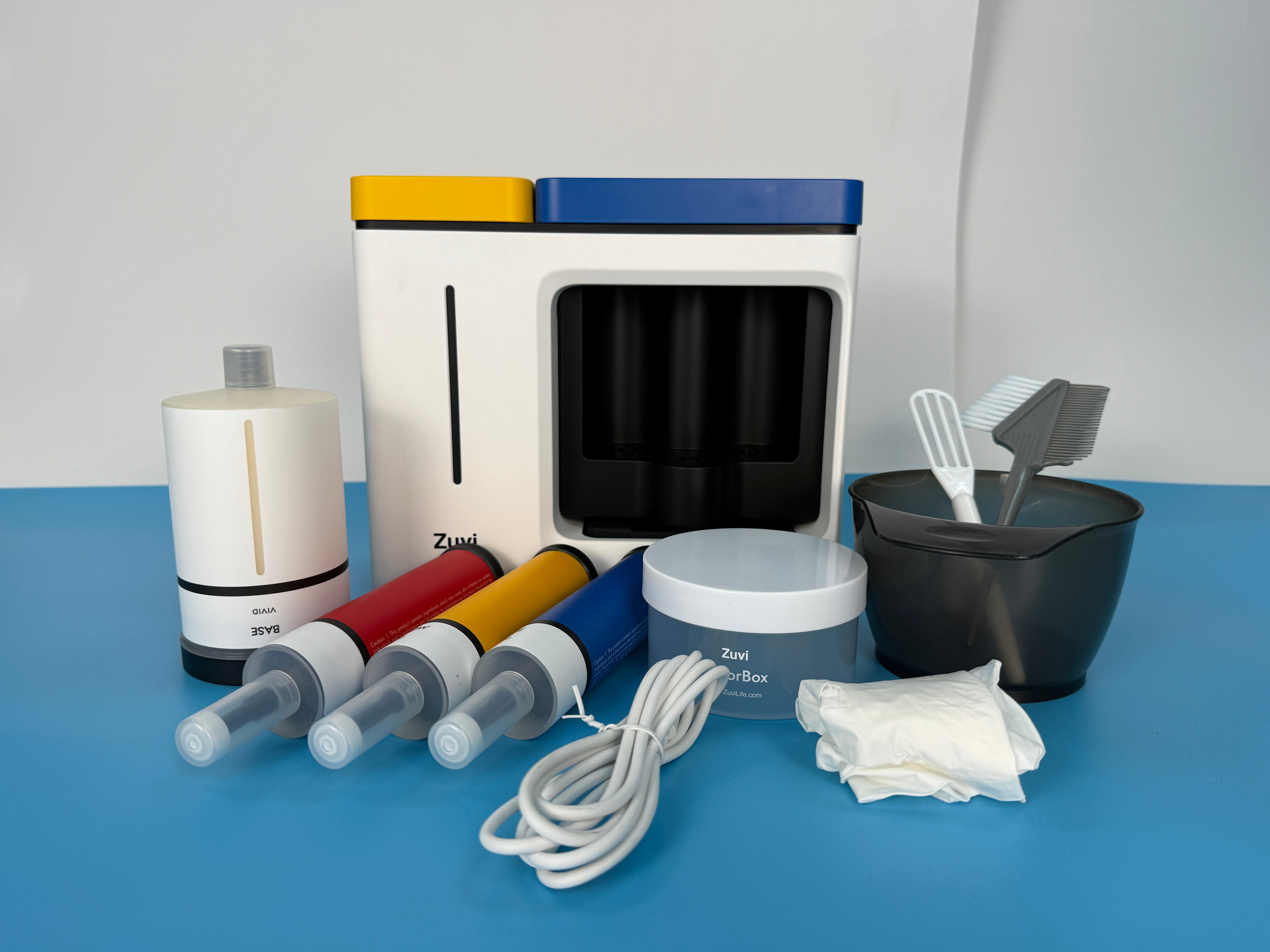
Check the machine, cartridges, and toolset.
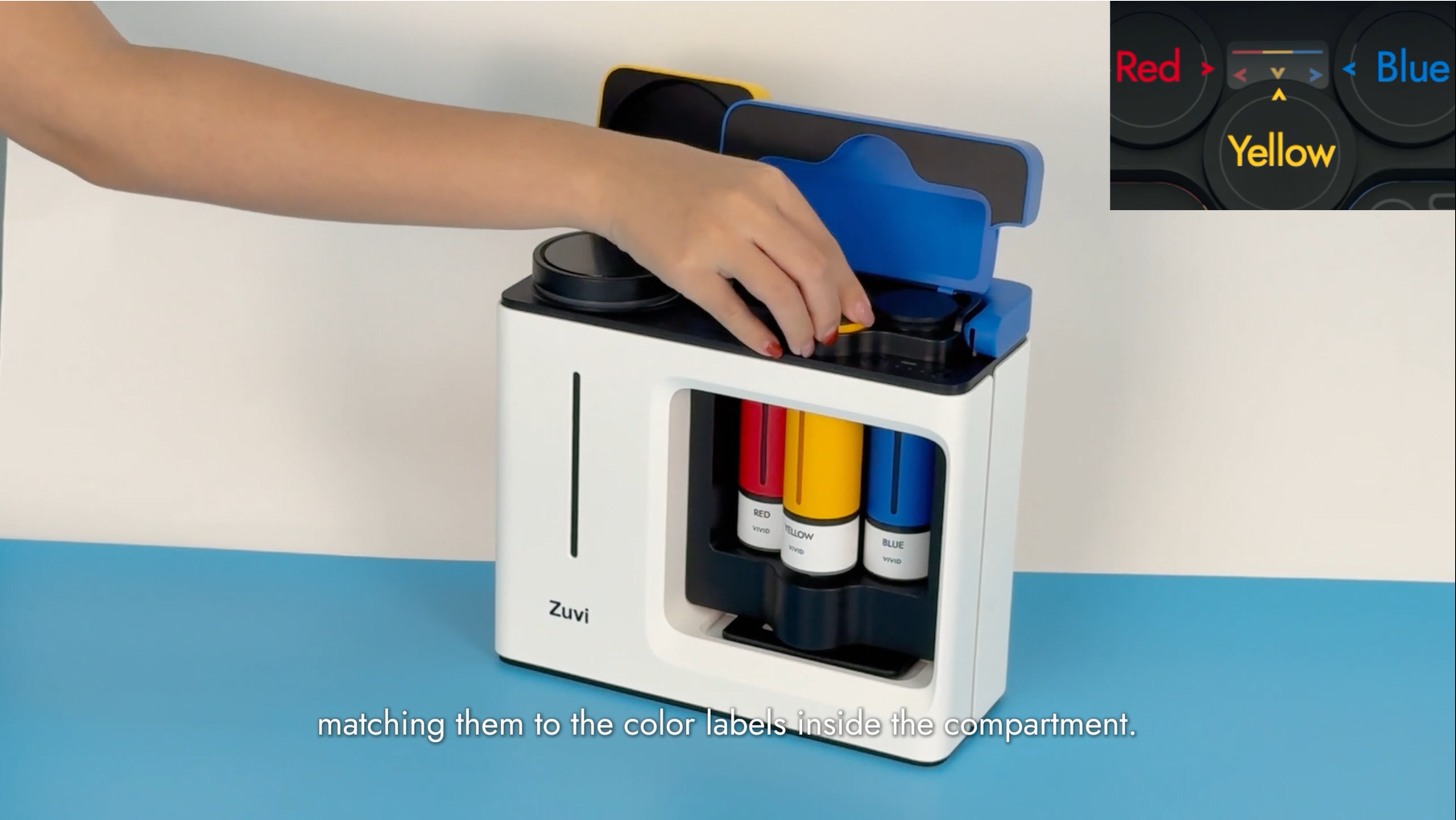
Remove cartridge caps and insert them by color labels.
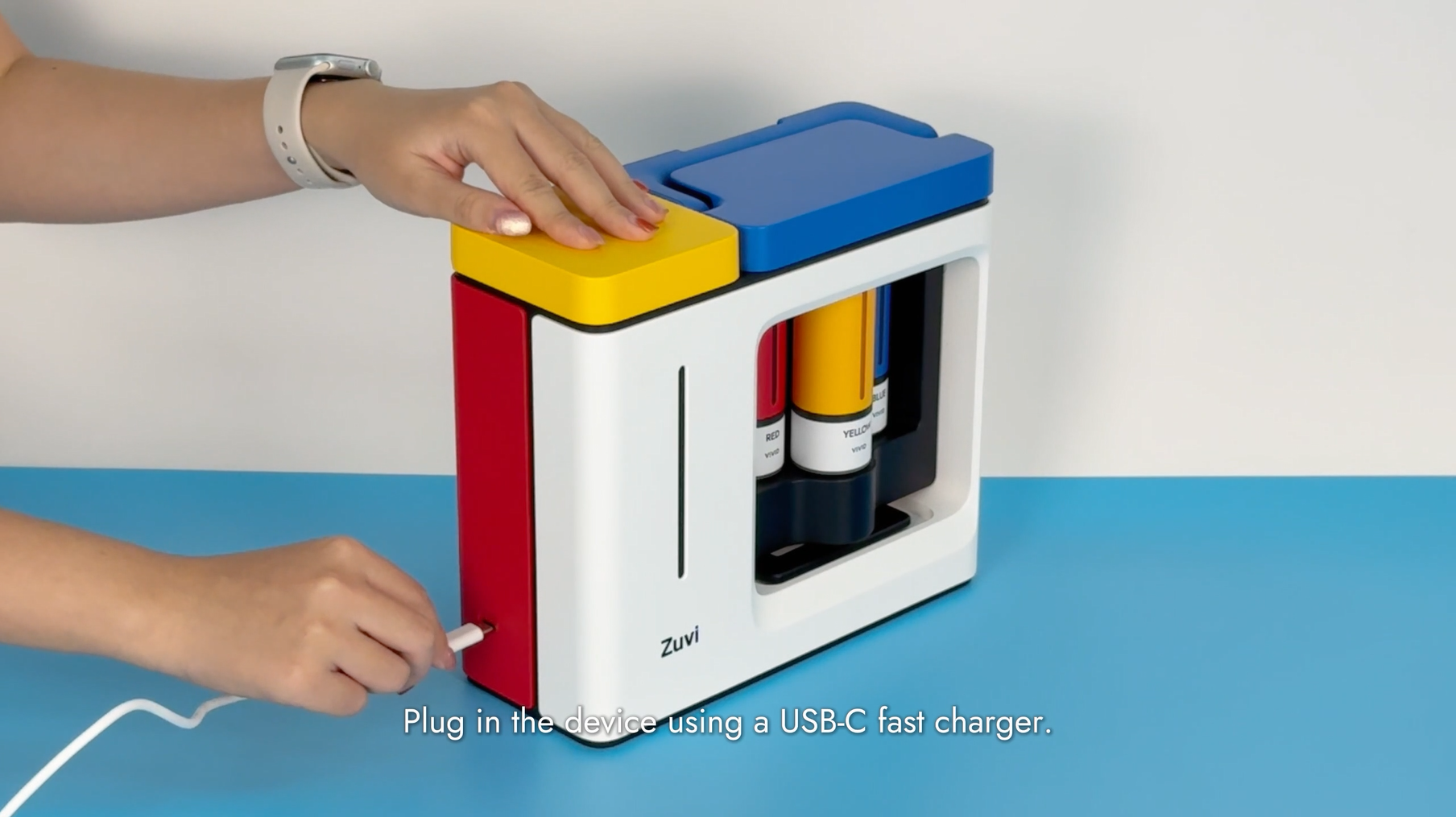
Connect USB-C. A 'BEEP' indicates power-on.
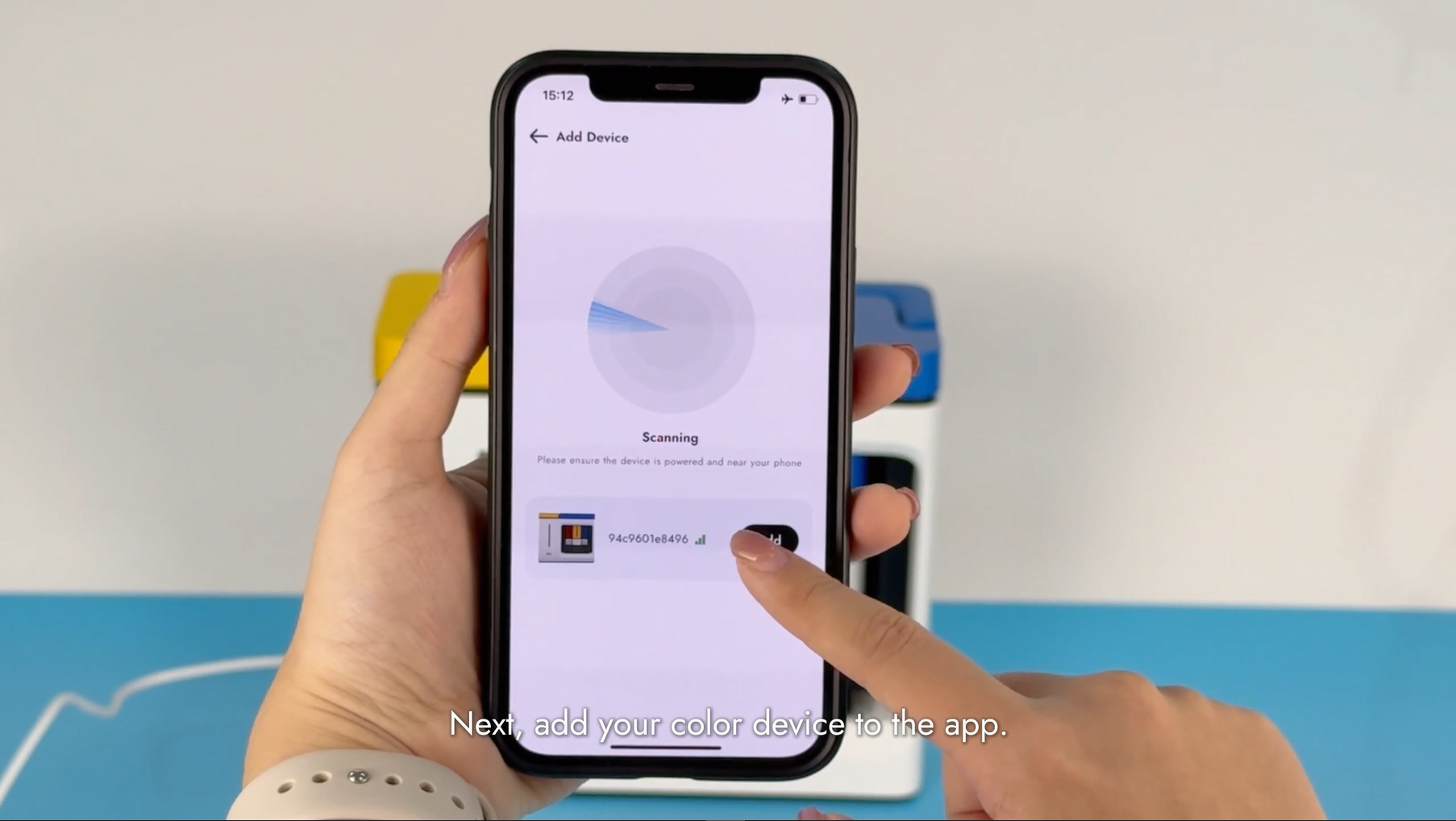
Please download and install the ColorBox app. Pair via Bluetooth until it 'BEEP'.
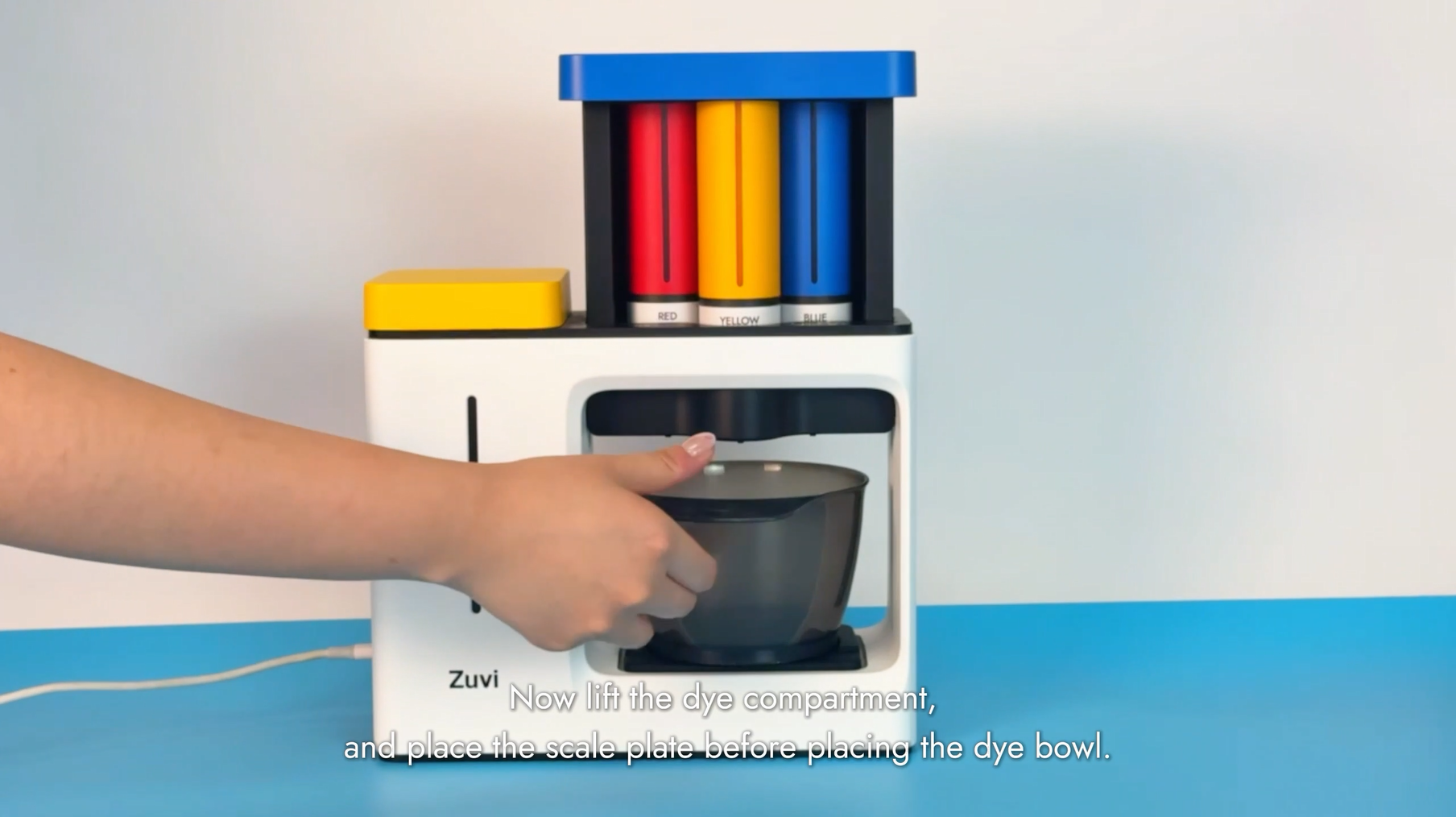
Lift the handle; center the scale and mixing bowl.
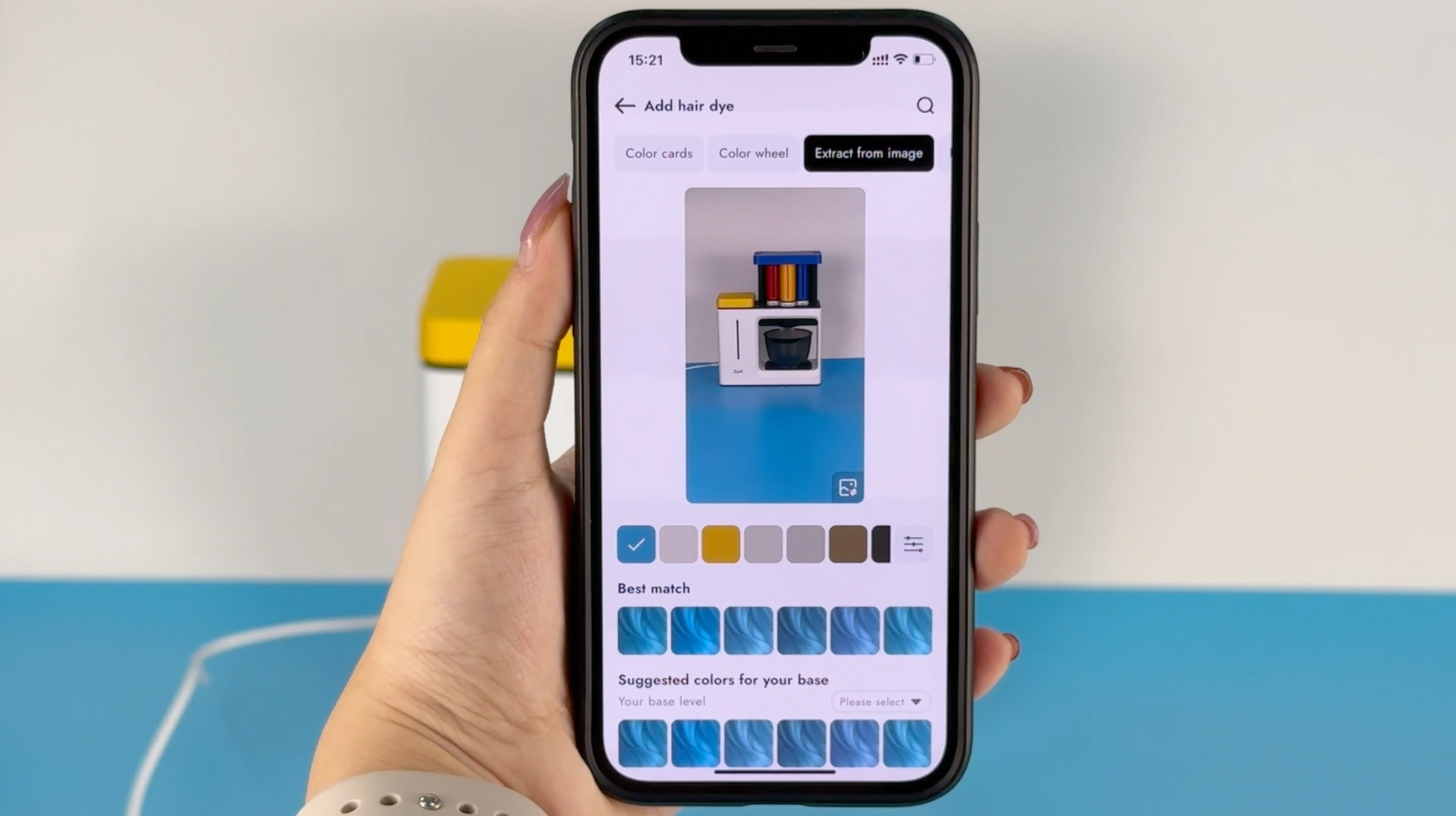
Choose a shade or DIY your custom shade in app.
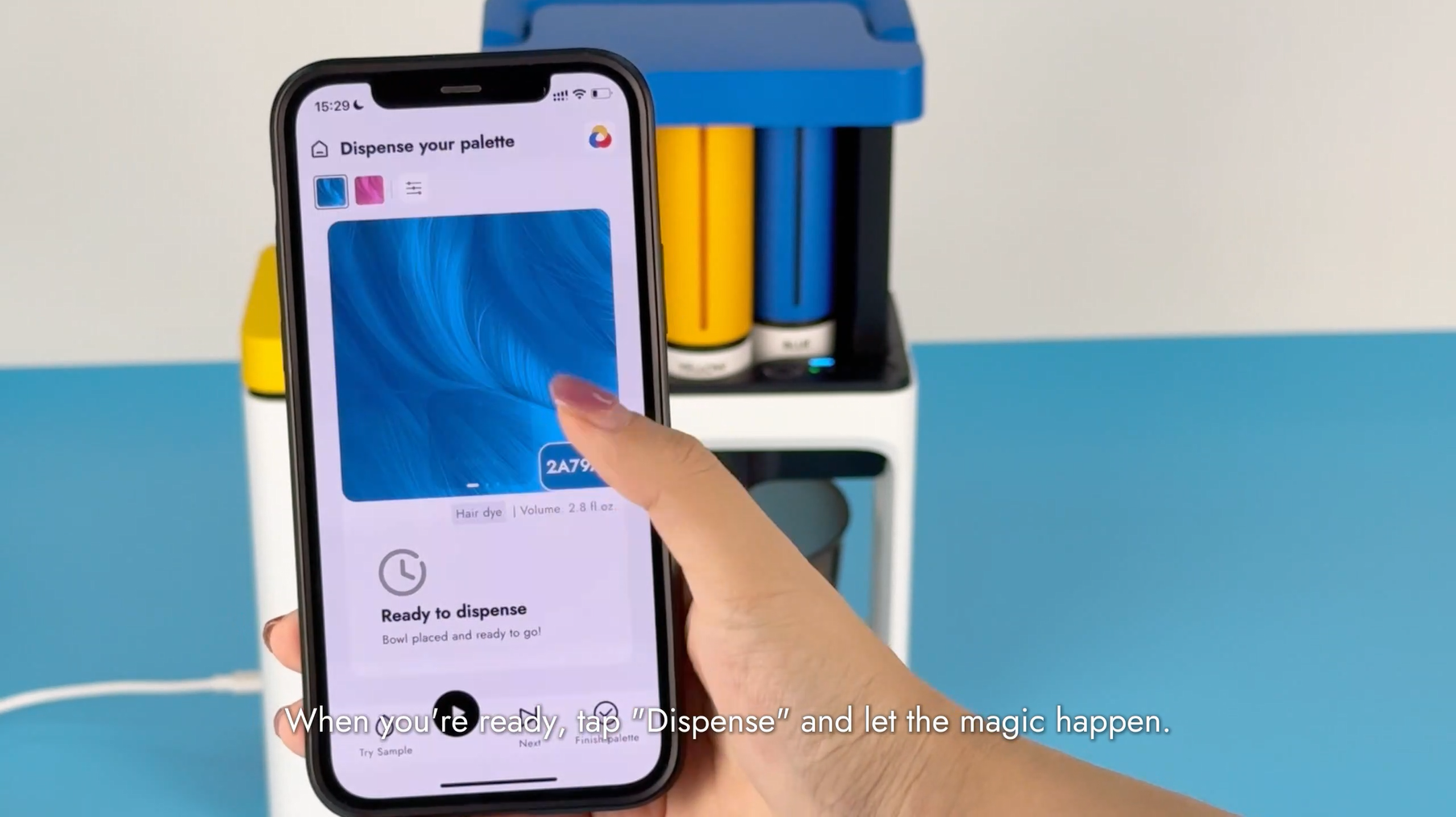
Tap 'Start Dispensing' for precision mixing.
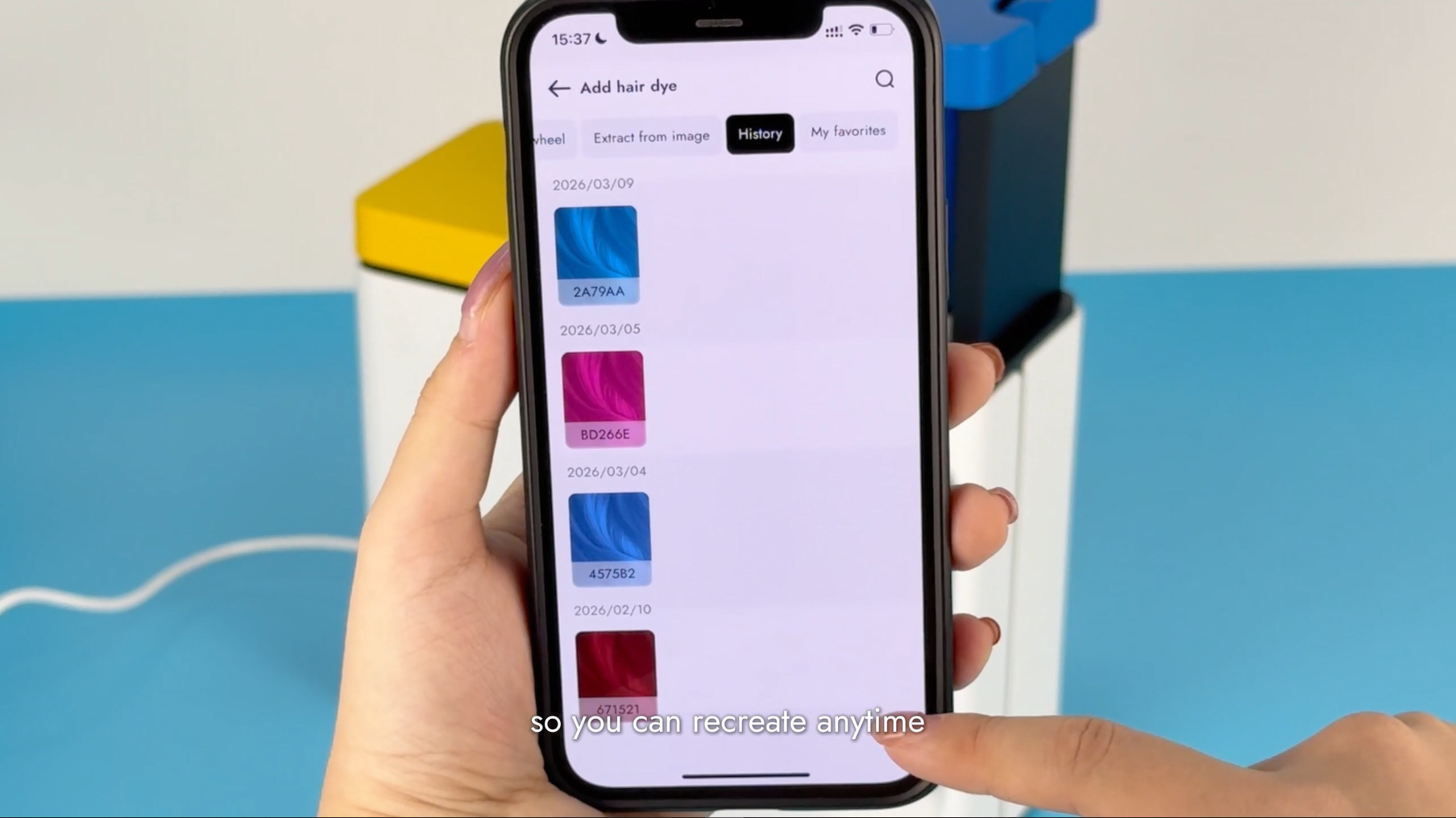
Save your formula for one-click replication.
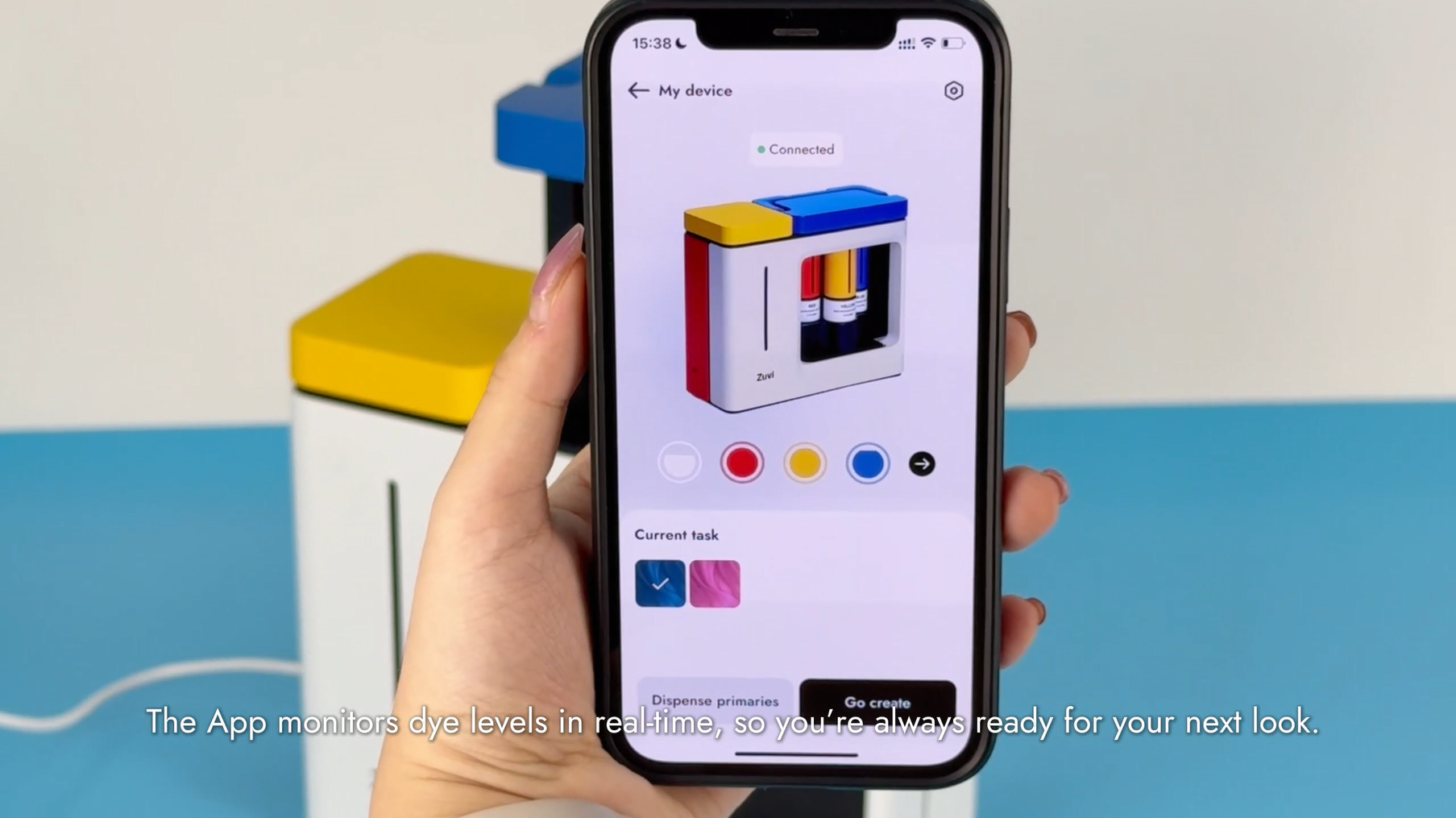
Check cartridge levels for future sessions.

Wipe nozzle, retract handle, and disconnect power.
Check the machine, cartridges, and toolset.
Remove cartridge caps and insert them by color labels.
Connect USB-C. A 'BEEP' indicates power-on.
Please download and install the ColorBox app. Pair via Bluetooth until it 'BEEP'.
Lift the handle; center the scale and mixing bowl.
Choose a shade or DIY your custom shade in app.
Tap 'Start Dispensing' for precision mixing.
Save your formula for one-click replication.
Check cartridge levels for future sessions.
Wipe nozzle, retract handle, and disconnect power.
Blog posts

Semi-Permanent Hair Color: What It Is, How It Works
Semi-permanent hair color offers a flexible, low-commitment way to explore new shades—but finding the exact color you want isn't always easy. This guide explains how semi-permanent color works, how...
Vibrant Results Start Here: A Hair Dye Guide
Using our device makes finding the perfect shade easier than ever - but achieving a vibrant, even result still depends on how the hair dye is applied. This guide is here to help you get the most o...
Mixing: From Color Separation to Perfect Blend
Once the hair dye is dispensed, comes a simple yet crucial step - mixing the hair dye. To ensure a uniform coloring result that matches the shade on the hair swatch, it's vital to blend all indivi...